
PDFs and supplier pages
Biodata can start from Drive folders, supplier websites, or your existing Biodata.sg listings.
Sync Google Drive & suppliers
Biodata.sg turns PDF files, supplier biodata pages, and your own listing catalogue into one connected workflow. A.I. reads the source material, your listings stay organised, and your website can show the latest profiles.

Biodata can start from Drive folders, supplier websites, or your existing Biodata.sg listings.
Profiles are converted into searchable listing fields instead of staying trapped in documents.
Biodata.sg powers your public listings, microsite, and optional website widget.
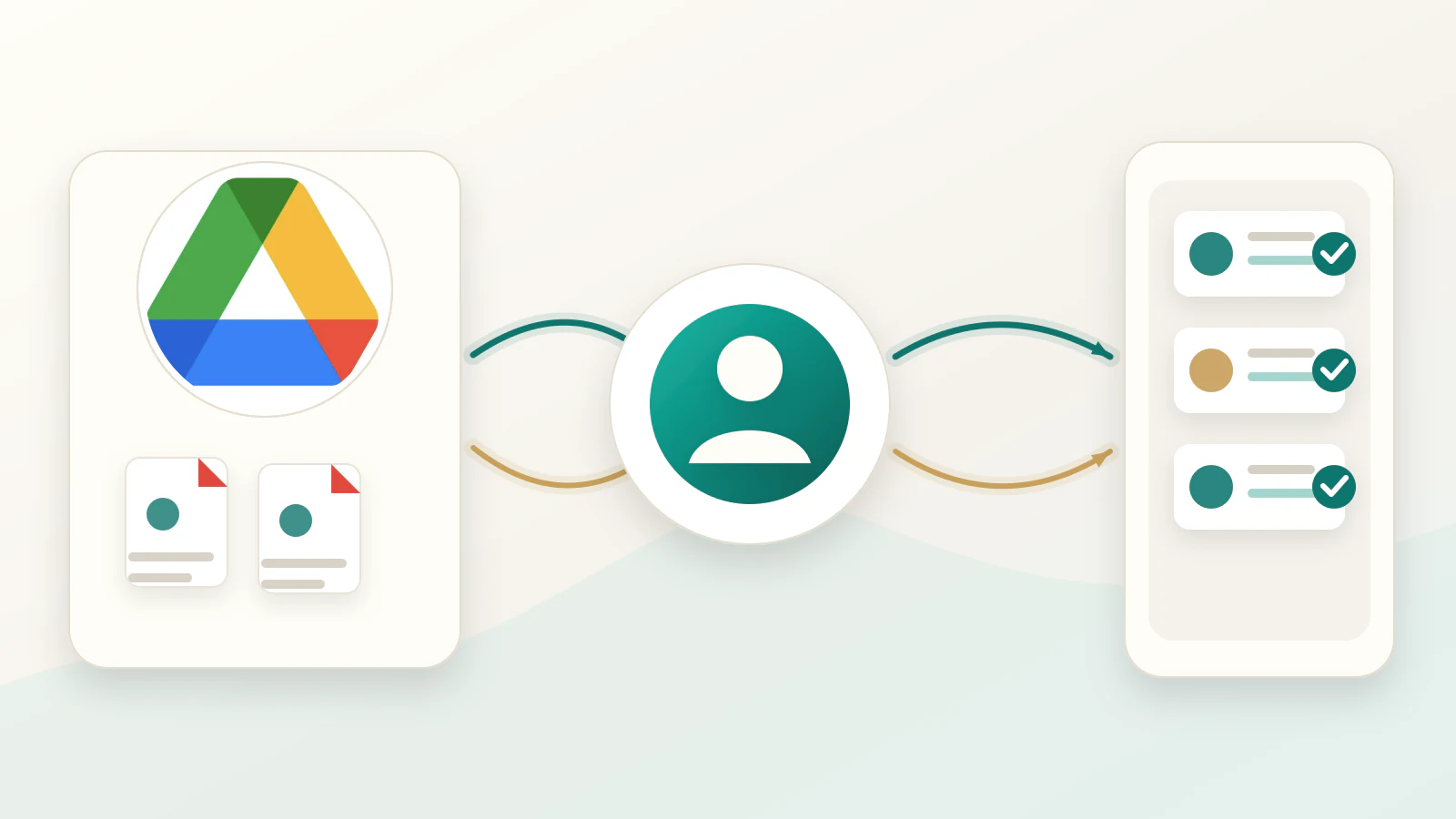
Google Drive PDF sync
Your team keeps using a familiar folder. Biodata.sg watches for new or changed PDFs, reads the biodata details with A.I., and updates your live listing catalogue.
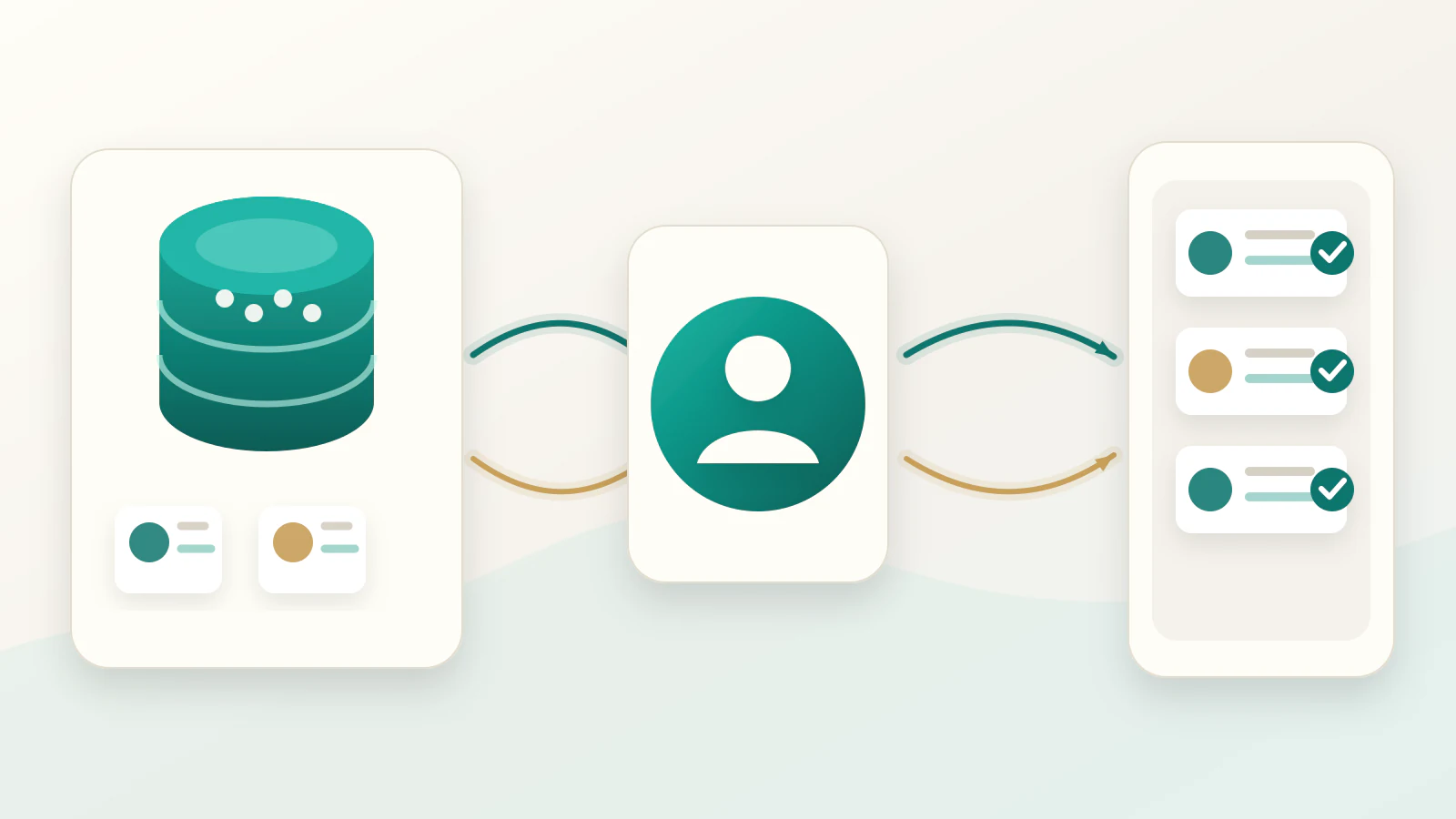
Supplier website sync
When suppliers already maintain biodata on their own websites, Biodata.sg can be configured to read those pages and keep your agency listings in sync.
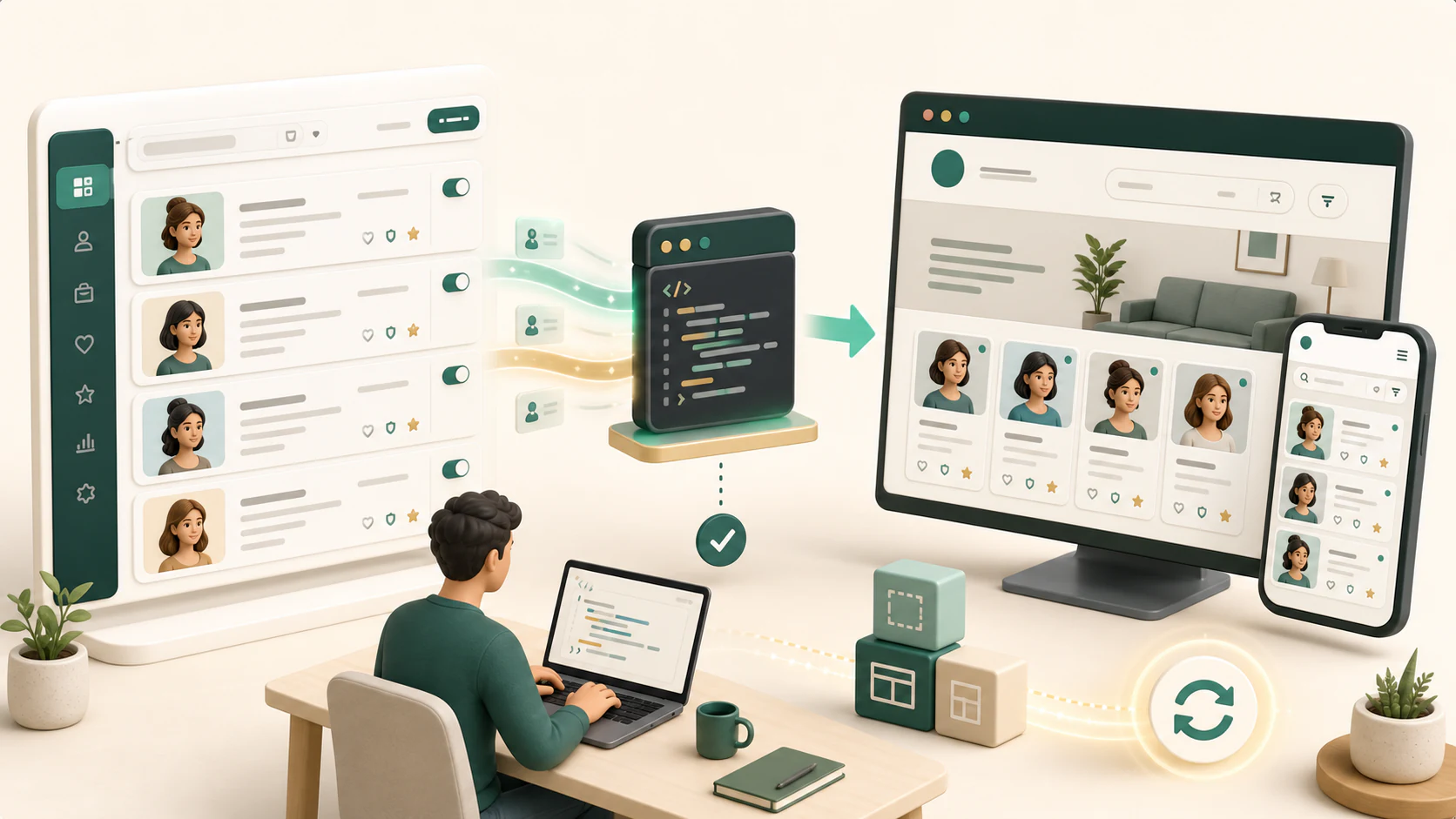
Website and WordPress widget
Your developer adds the Biodata.sg widget to your agency website or WordPress page. The listings still live in Biodata.sg, but customers browse them on your own site.
For agency teams
Most agencies begin with Google Drive PDF sync. Premium teams can add supplier integrations and a website widget when they are ready to connect the full catalogue flow.